Watch and Record TV from anywhere on any device
Did you know that building your own Digital Video Recorder (DVR), or “digibox” as it’s called in Finland, is relatively easy? All you need is Linux, a DVB-T2/C USB receiver, and, of course, some time.
I bought the Hauppauge WinTV SoloHD receiver for about 50 euros. It can receive a one channel package at a time and can be connected to my Linux server via USB. Hauppauge supports Ubuntu and provides its own package repository, from which the necessary installation files are available. Installation guide: https://www.hauppauge.com/pages/support/support_linux.html
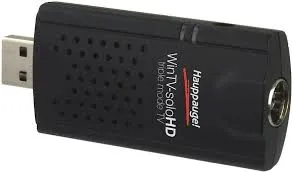
After installation, Linux recognizes the receiver, and you then need an application layer to convert the broadcast into a stream over the network. For this, there is an application called Tvheadend.
Tvheadend recognizes the receiver, also known as the TV adapter. The TV adapter receives a network composed of multiple multiplexes (muxes or channel packages). Each multiplex contains multiple channels, which are referred to as 'services' in Tvheadend. These services are then mapped to channels that have a name and number.
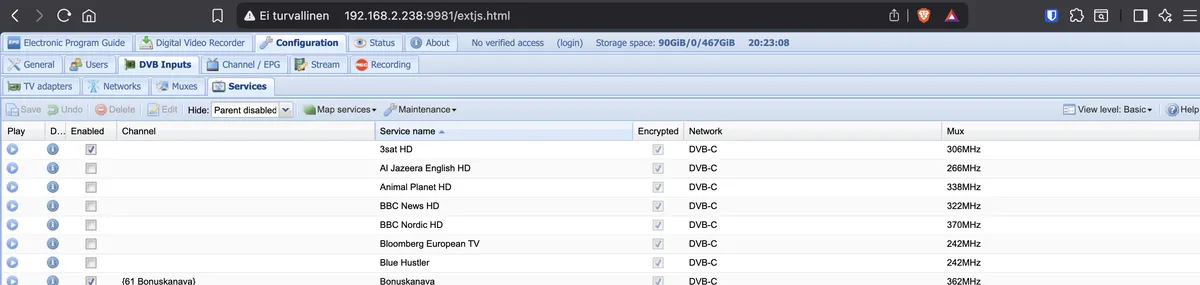
You can view these mapped channels from the Tvheadend directly but the user interface is not that user friendly. Fortunately, you can also use a different interface. I use a media manager called Jellyfish, which allows watching TV via an M3U playlist. Tvheadend provides the selected channels as an M3U playlist. The same playlist can also be used directly in a VNC media player.
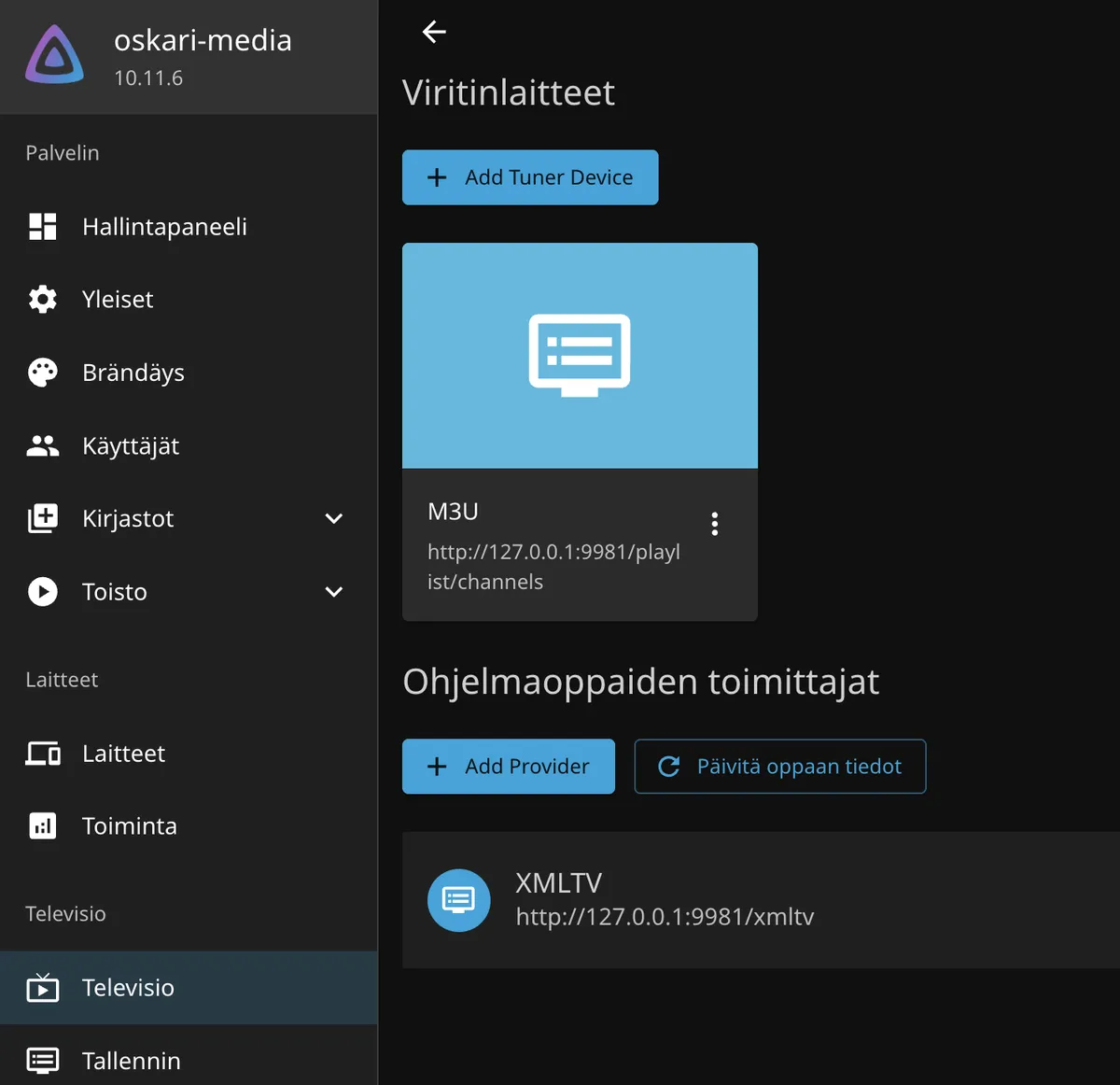
In addition to the playlist, you also need an EPG. Fortunately, Tvheadend can generate an EPG file in the XMLTV format as well. Once everything is configured, the EPG is displayed in Jellyfin.
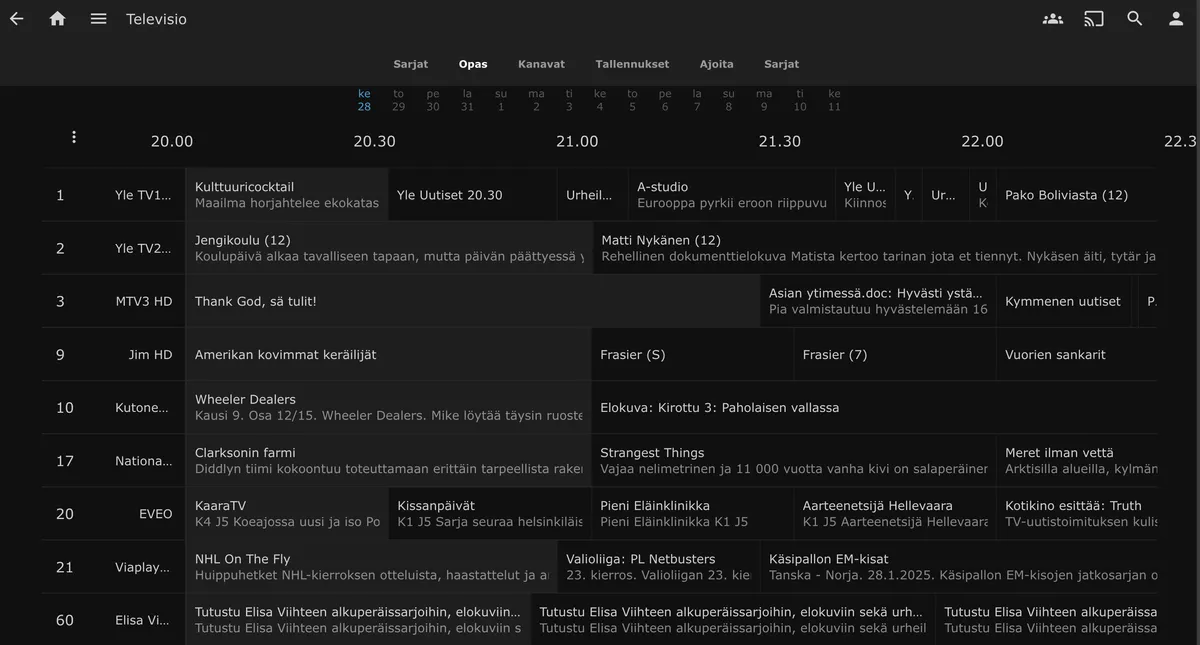
When a request is made to a URL in the Tvheadend playlist, Tvheadend starts buffering the broadcast and streams the audio and video as a response to the request.
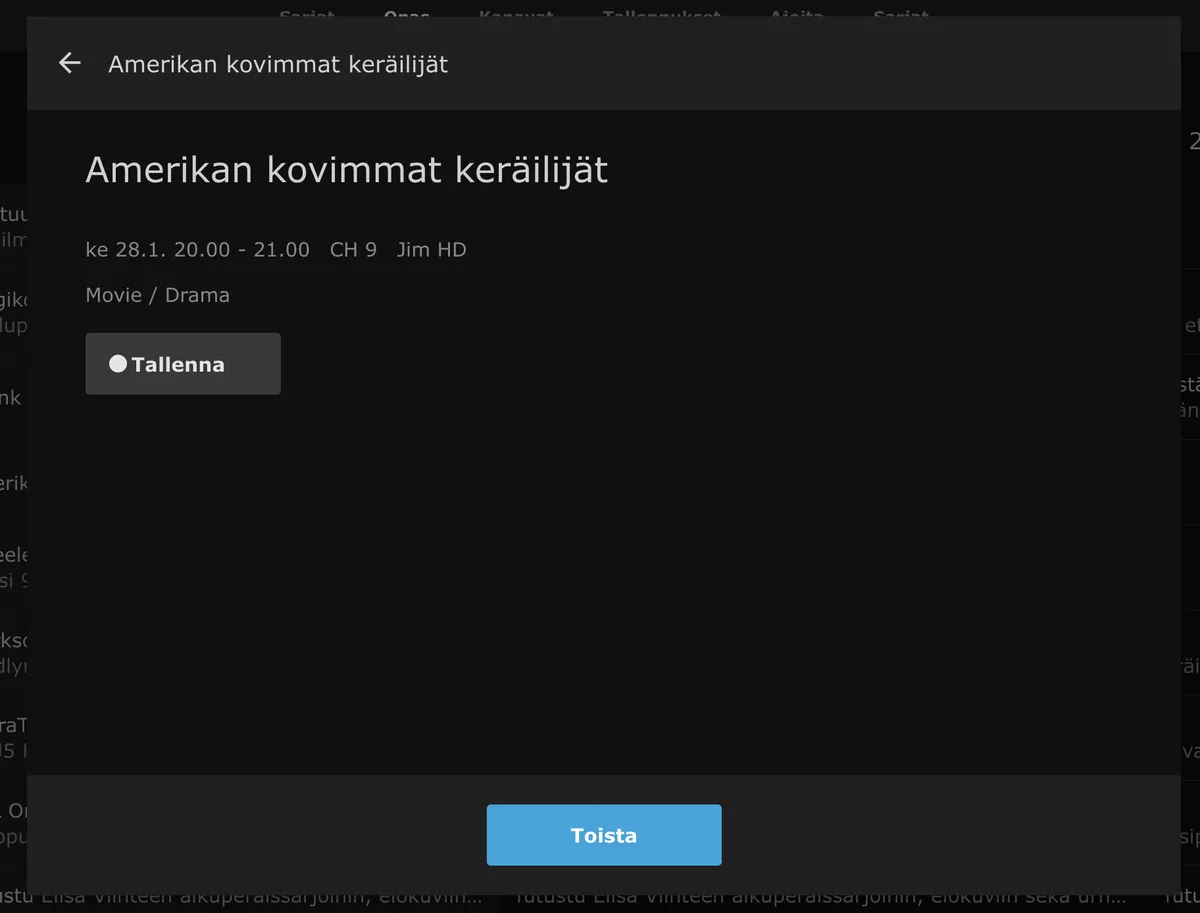

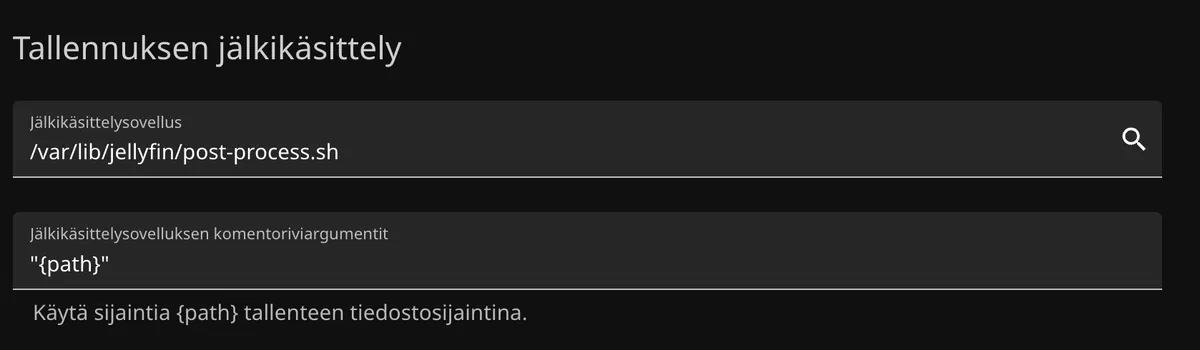
Jellyfin also allows recording programs in the background. In this case, Jellyfin opens a scheduled connection to Tvheadend, but instead of displaying the stream to the user, it writes the stream directly to a file. Best of all, Jellyfin also supports running a separate script (a so-called post-script) after each recording finishes. This can be used, for example, to compress the newly recorded file. Video compression (transcoding) is a slow process, especially if you don’t have a powerful GPU available. Tvheadend is also capable of transcoding the video stream on the fly, but my server does not have sufficient resources for this, so it is more convenient to perform the compression afterward.
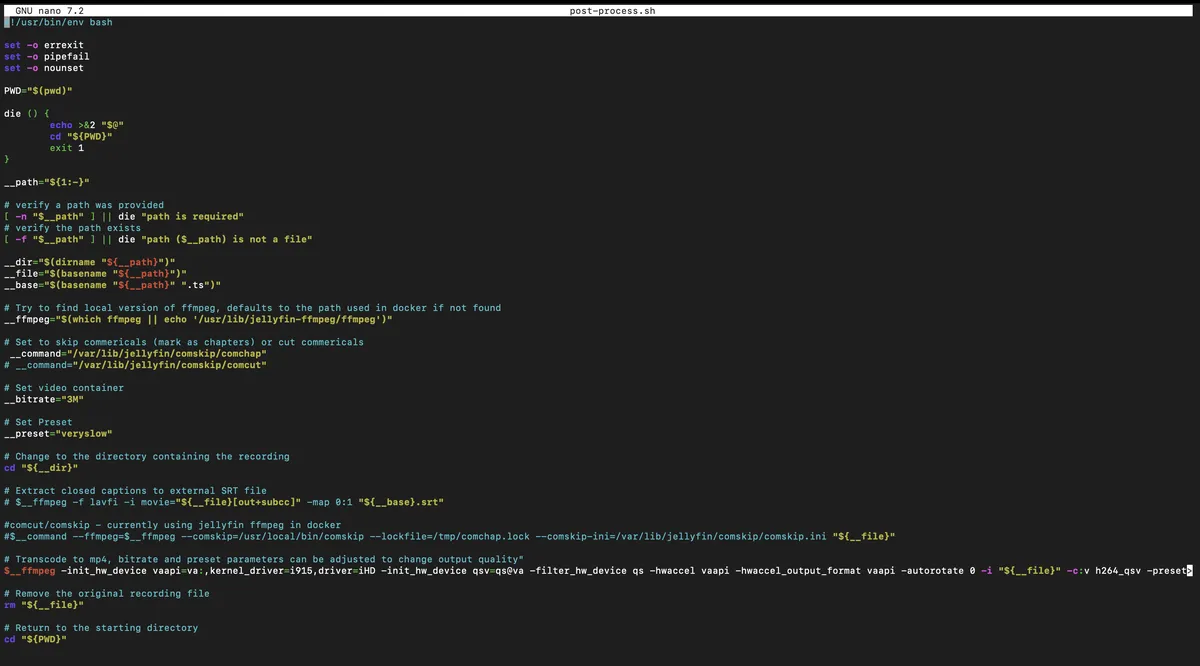
In the post-script, we use the FFmpeg tool to adjust the video bitrate to 3 Mbps. This significantly degrades the video quality, but at the same time it greatly reduces the file size. If your goal is to keep the recordings for later viewing, it’s better to use more moderate compression and set the bitrate to, for example, 8 Mbps. This way, the image will not become as grainy.
And now that Jellyfin provides client applications for virtually any device (a web UI, mobile apps, and a TV app), and as long as you offer secure access to your network—such as through a VPN—it becomes possible to watch TV on your phone, schedule recordings while riding the bus, or even quickly check live TV from your computer during a workday.